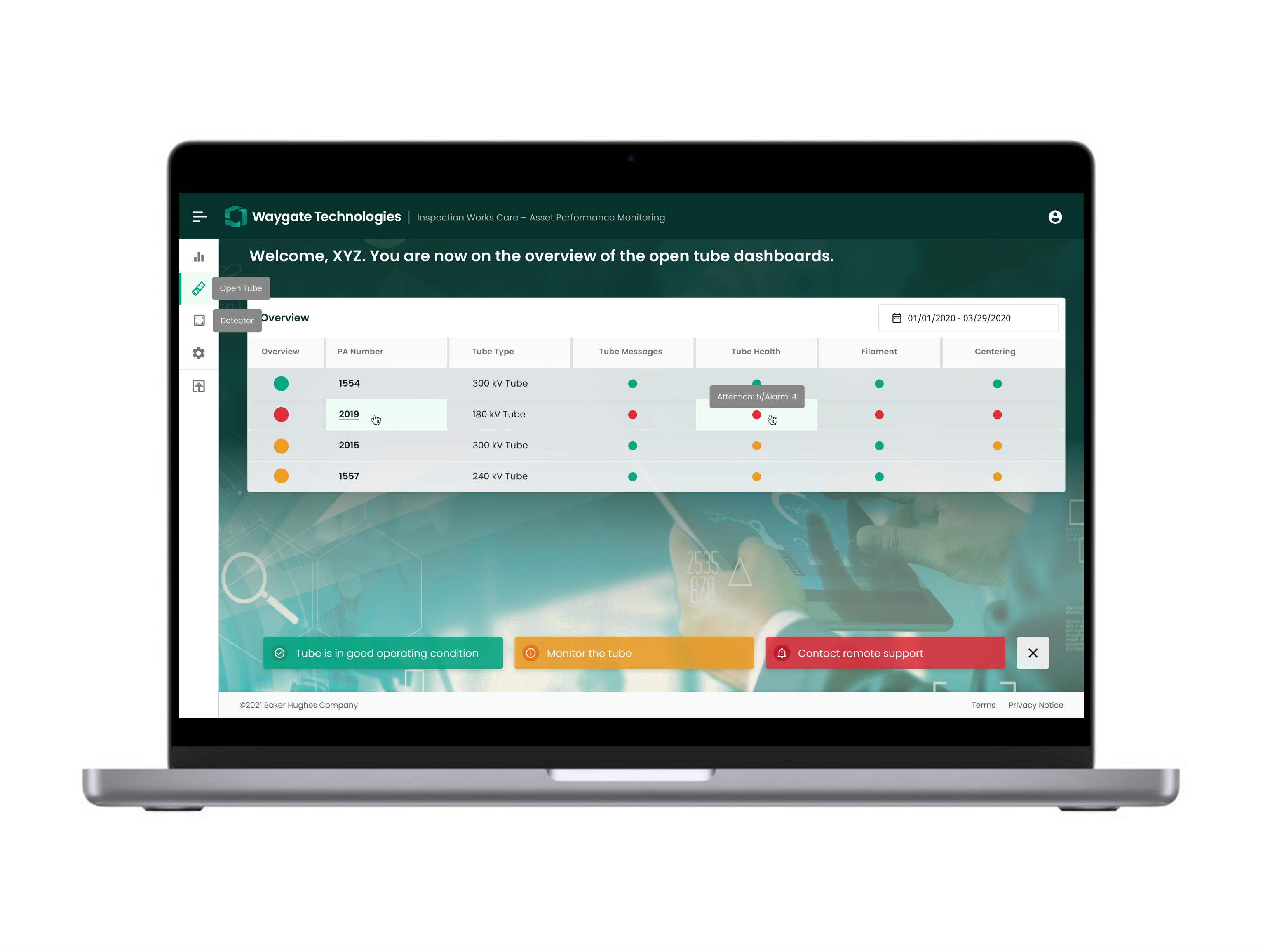
InspectionWorks goes beyond NDT data storage.
InspectionWorks is a nondestructive testing (NDT) software platform designed to simplify and standardize industrial inspections, without sacrificing quality. It streamlines inspection processes, enhances accuracy, standardizes reports, improves collaboration across key stakeholders, and much more. InspectionWorks is a complete solution that truly was built with inspectors and engineers in mind.
Standardize Your Inspections
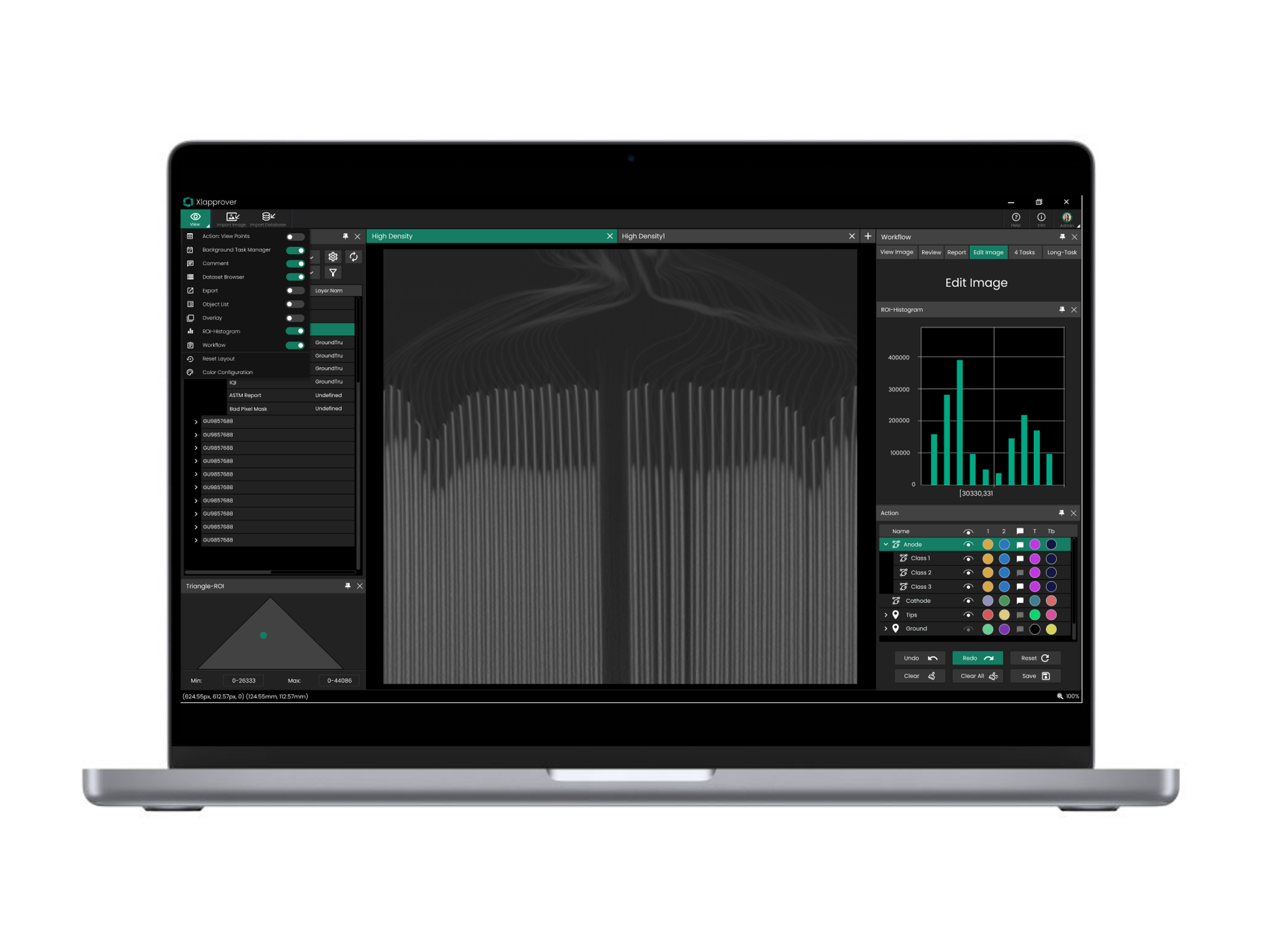
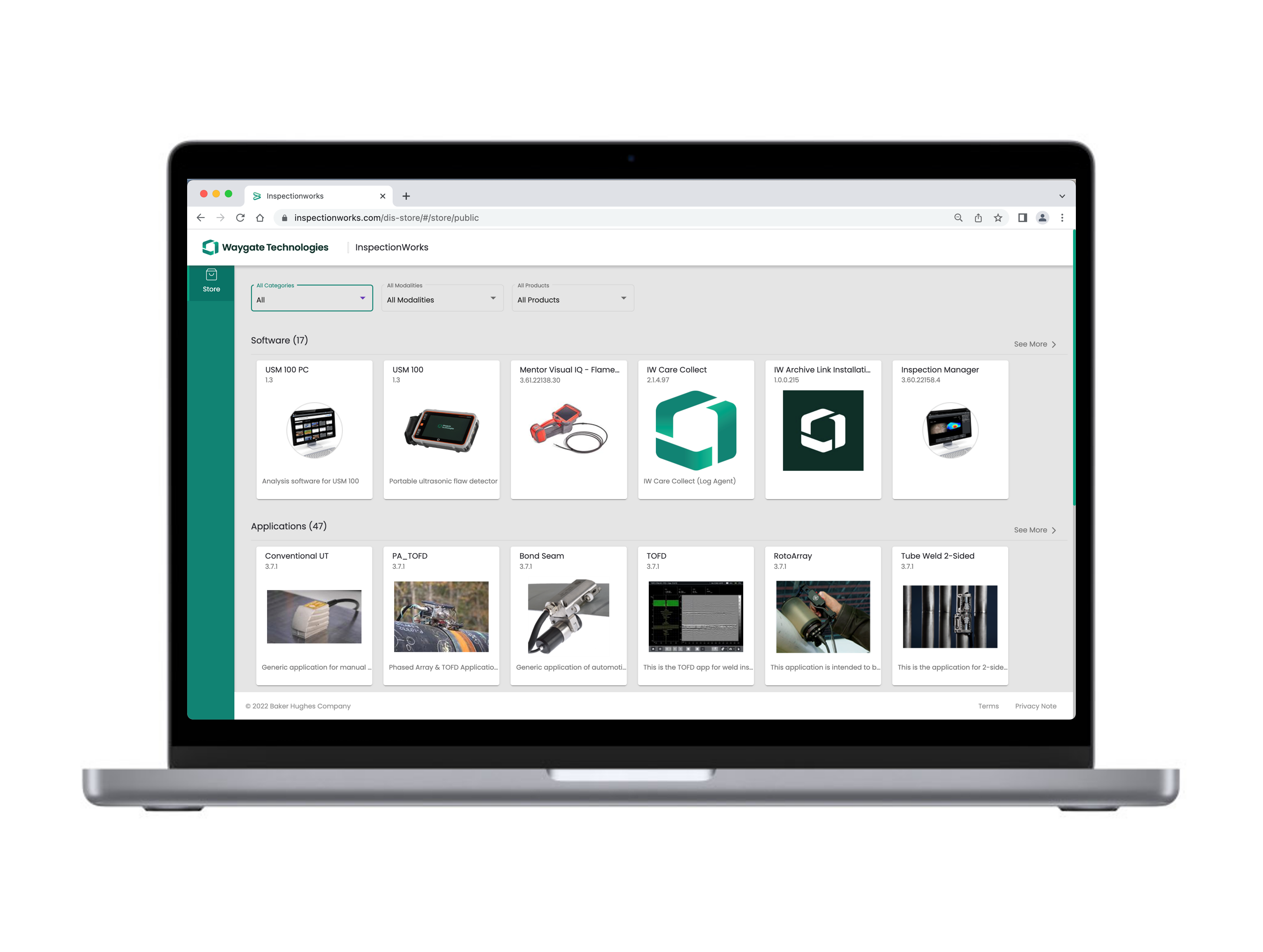
Download OEM developed inspection templates or create your own custom inspection templates which drive standardized workflows through the inspection process. Utilize these templates create asset models so you can effectively visualize and report on your inspection findings.
Automate Your Inspections
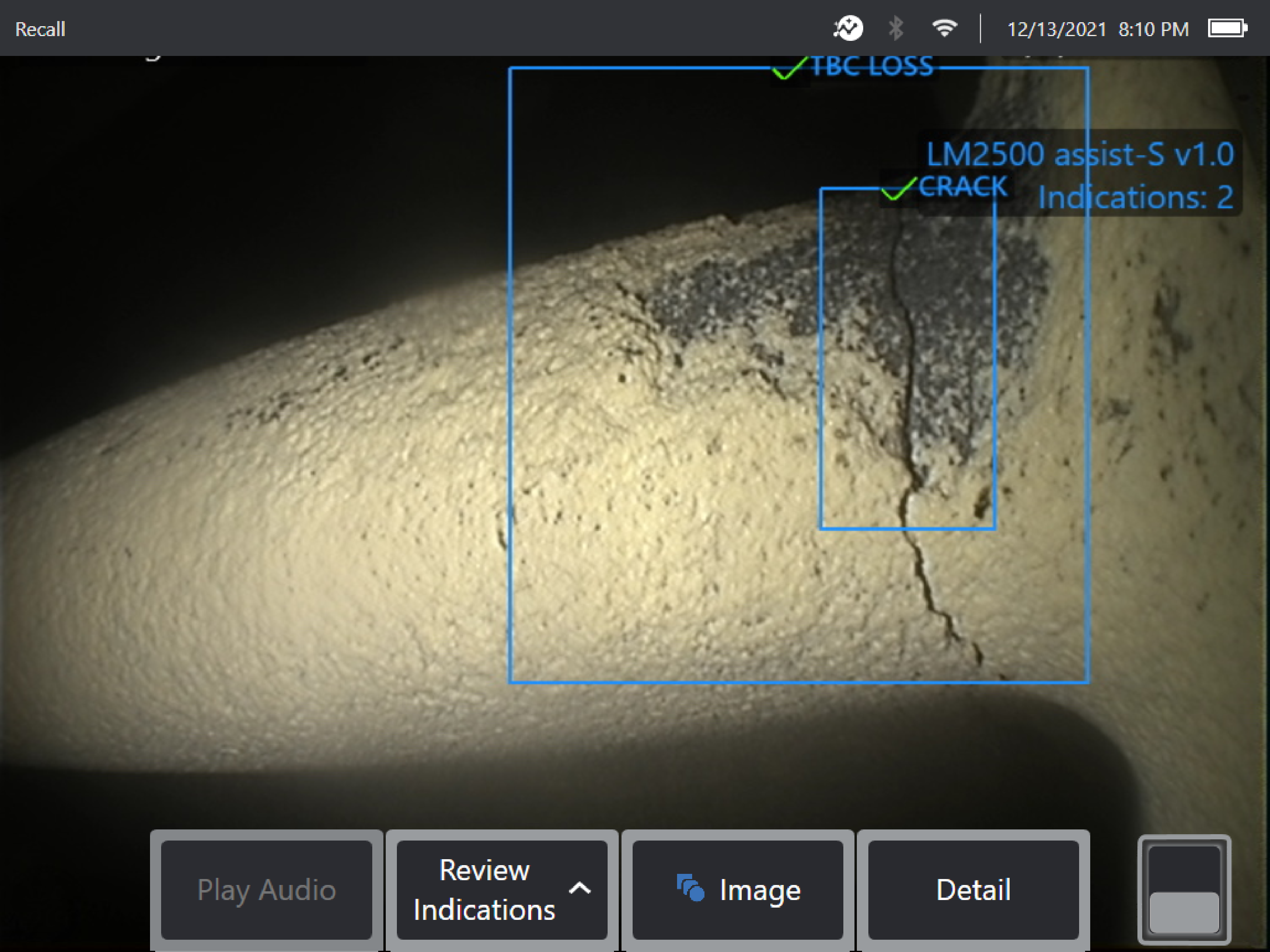
Automate key parts of the inspection process with InspectionWorks. You can design customized report templates and generate reports with a click of a button, increasing efficiency and throughput of inspection teams. With Assisted Defect Recognition (ADR) integrated into your borescope, you can use AI-powered models to identify anomalies faster and more accurately.
Centralize your NDT Data
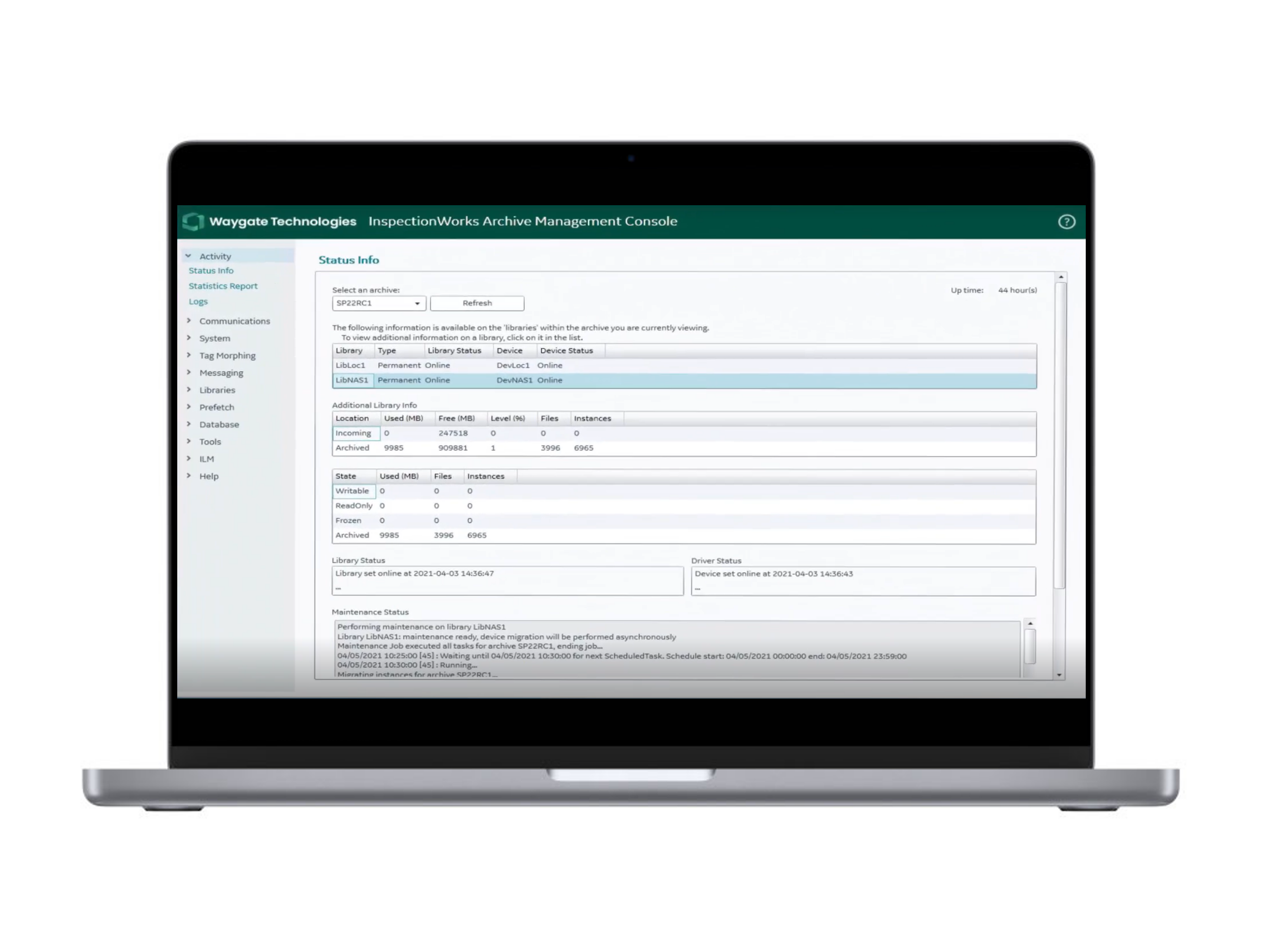
Bring all of your NDT data to one place. Each Waygate Technologies remote visual inspection device comes equipped with InspectionWorks. InspectionWorks allows you to compare current and and past inspections to view degradation and other changes over time. Your team will also be able to discover new insights by querying data, viewing trends, and more!
Make Faster, More Informed Decisions
Share inspection data or reports with your team members, OEMs, and other key stakeholders while keeping your data secure. Now you can share anything from a single image to an entire inspection report with your team.
Already own a Mentor Borescope?
You can access InspectionWorks directly on your Mentor Visual iQ+ video borescope. Start today by creating your free account!
How to Get Started with InspectionWorks
Step 1: Borescope Registration
Get your Waygate Technologies video borescope set up to receive tips and tricks to personalize, use, and store your data. If you navigate to the device menu on your Mentor Visual iQ+ video borescope, you will see the option to select the InspectionWorks Insight button. Once you have clicked the button, your device will walk you through the rest of the registration process.
If you are having issues getting set up, reach out to a member of our team.
Step 2: Explore Inspection Templates
Use templates to structure your inspections, or create your template to guarantee consistent inspection reports.
Step 3: Enable Push2IW on the Device
With Push2IW you can transfer data between your device and the InspectionWorks cloud automatically. Want to learn more about the full solution?